
See Lobby working in your own building before you buy a single display.
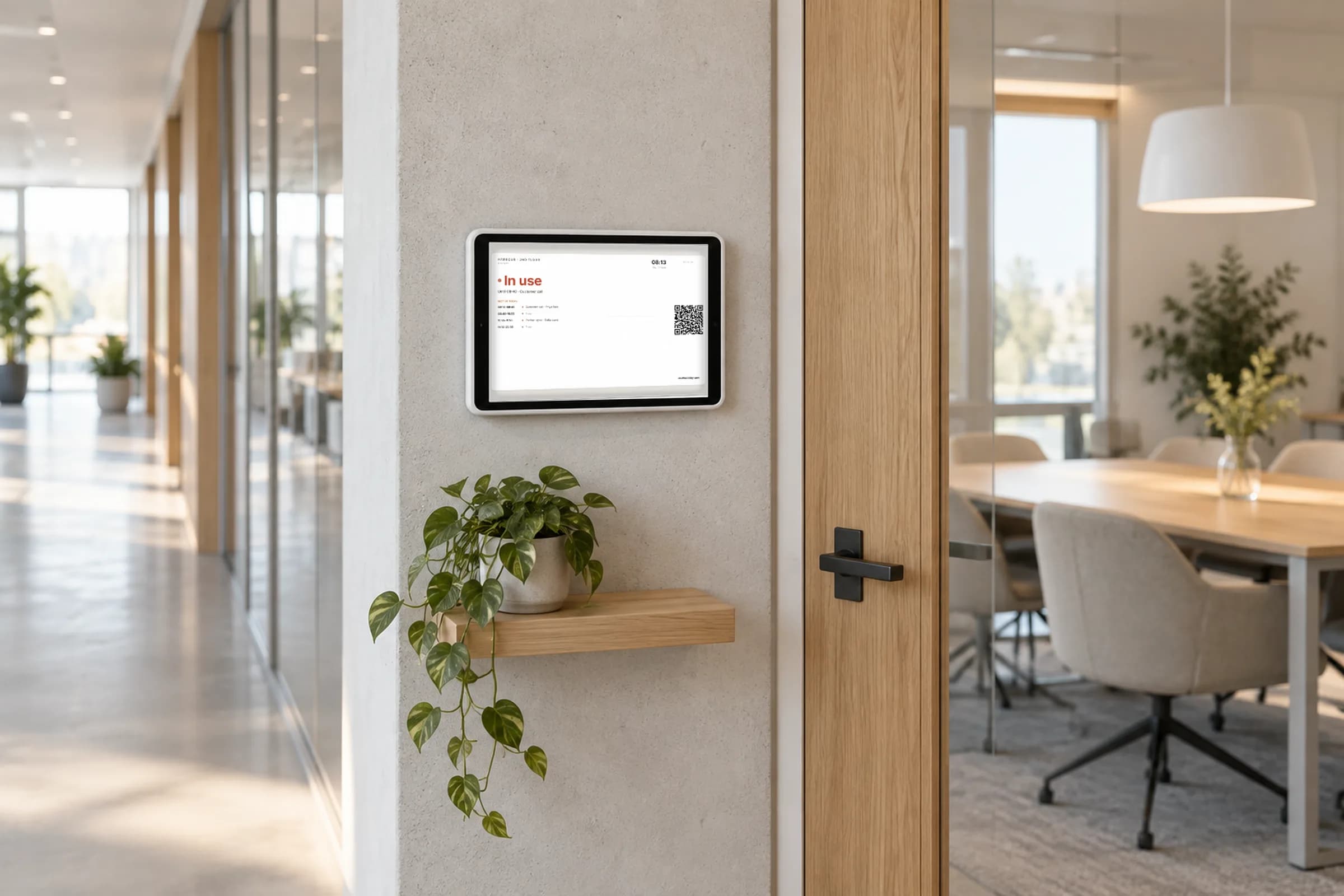
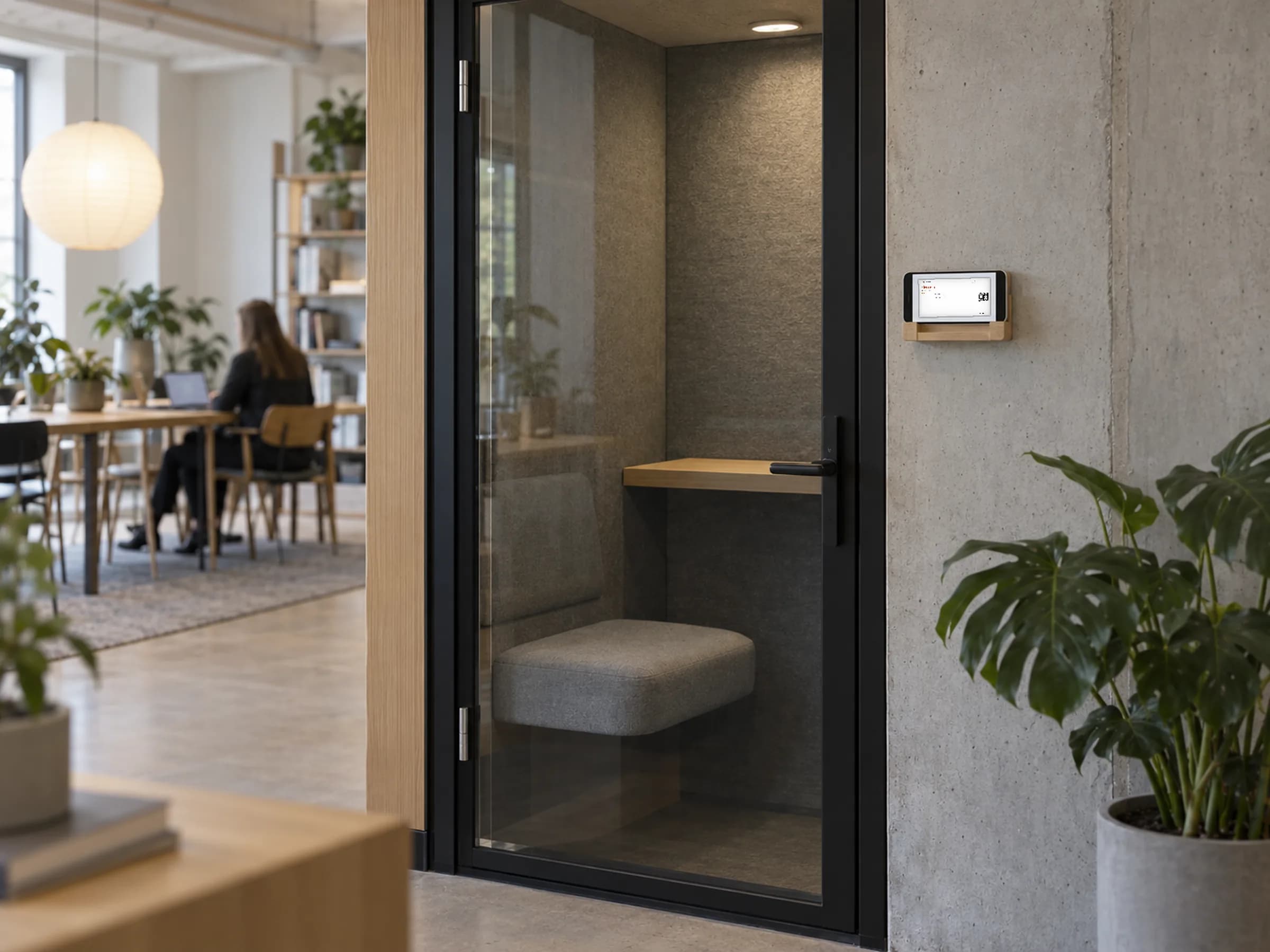
A virtual display is the room screen as a secure web link. Open it on a spare iPad, a TV browser or an old monitor and it shows live room status, updated the moment a booking changes. No pairing code, no shipping, no mount.
No credit card · 3 displays free forever · Live in 2 minutes
Hardware cost
$0
Setup
About 2 minutes per screen
Updates
Real-time on every plan
Counts as
One display on your plan
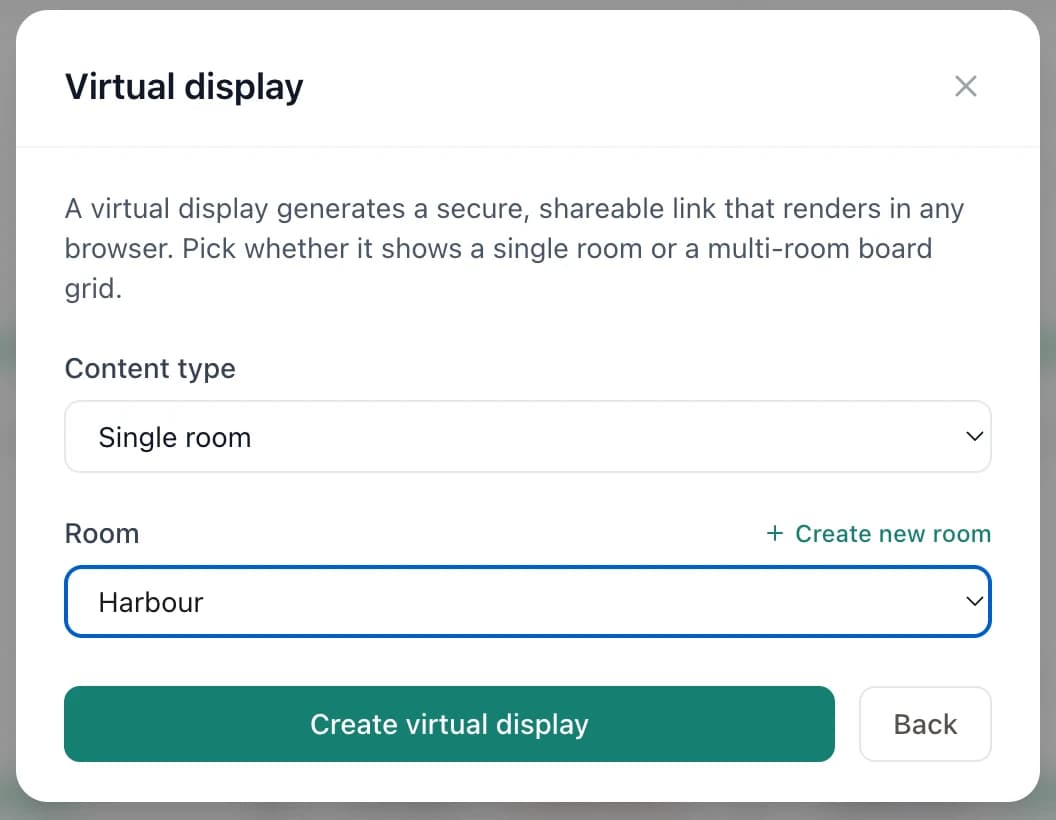
- 1Single room or board
- 2Pick the room
- 3Create the secure link
One link. Whatever screen you already have.
In the dashboard, add a screen, choose Virtual display, and pick what it shows: a single room, or a board of several rooms. Then get it onto the screen whichever way is easiest: type a short PIN at app.usethelobby.com/tablet, scan a QR code with the tablet’s camera, or paste the link. Put the browser in kiosk or guided access mode and walk away.
- ✓ A single room or a multi-room board, chosen per link
- ✓ Works in any modern browser: iPad, Android tablet, smart TV, Chromebook, old laptop, touchscreen kiosk
- ✓ Updates in real time the moment a booking changes
- ✓ Three ways to connect: PIN, QR code or link
- ✓ Landscape or portrait, in a full-colour Modern layout or the classic e-ink look
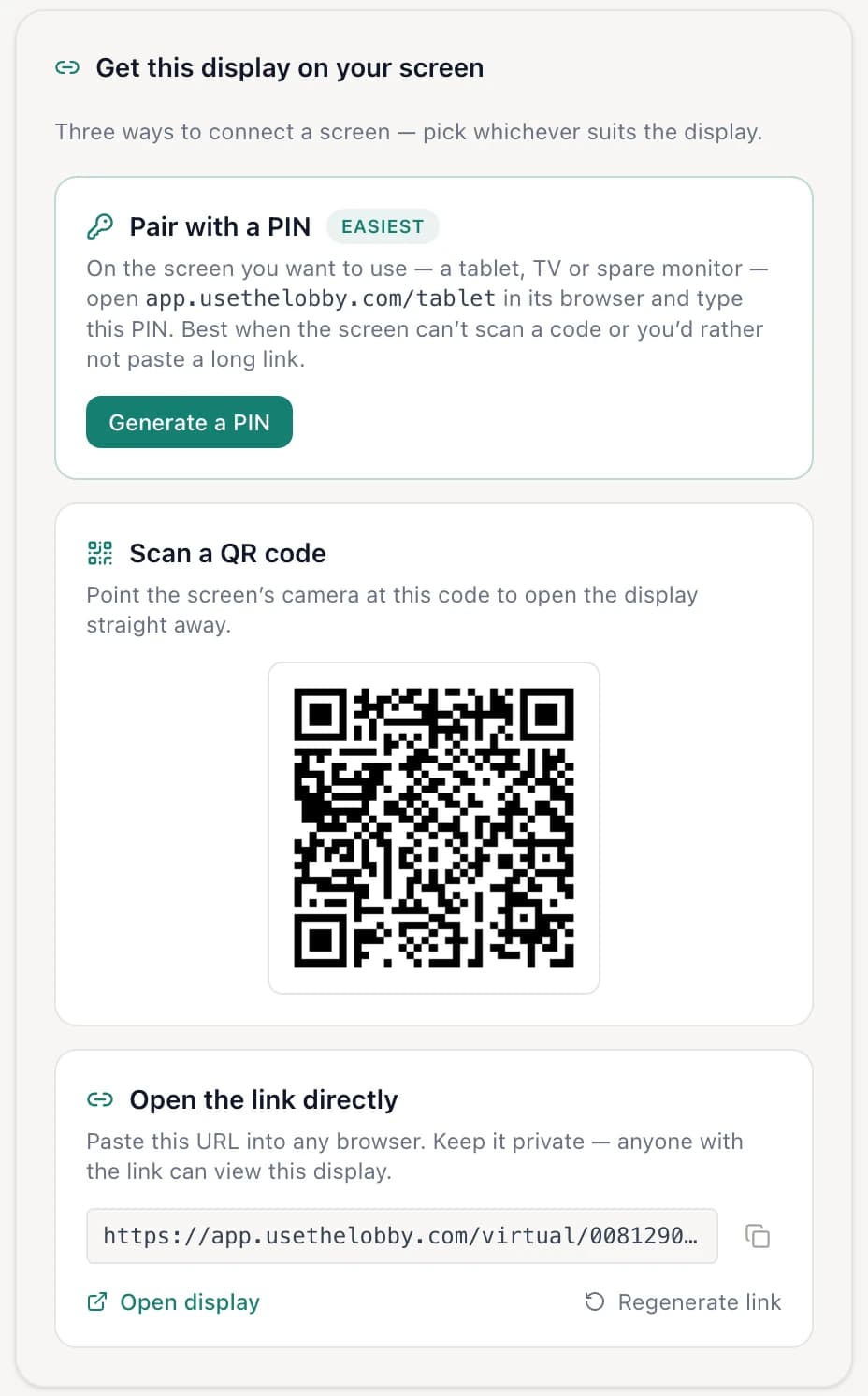
If it can load a web page, it can be a room display.
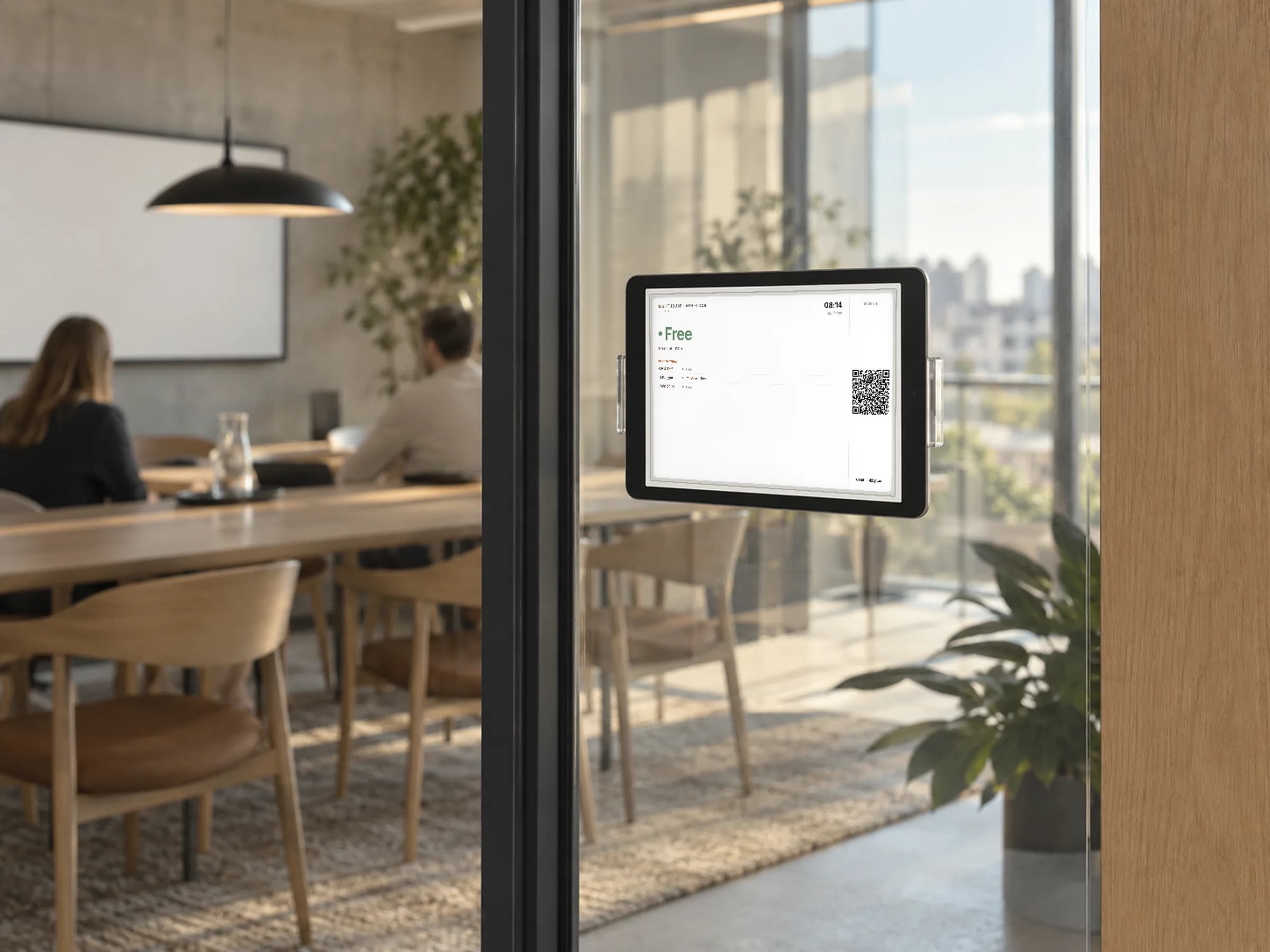
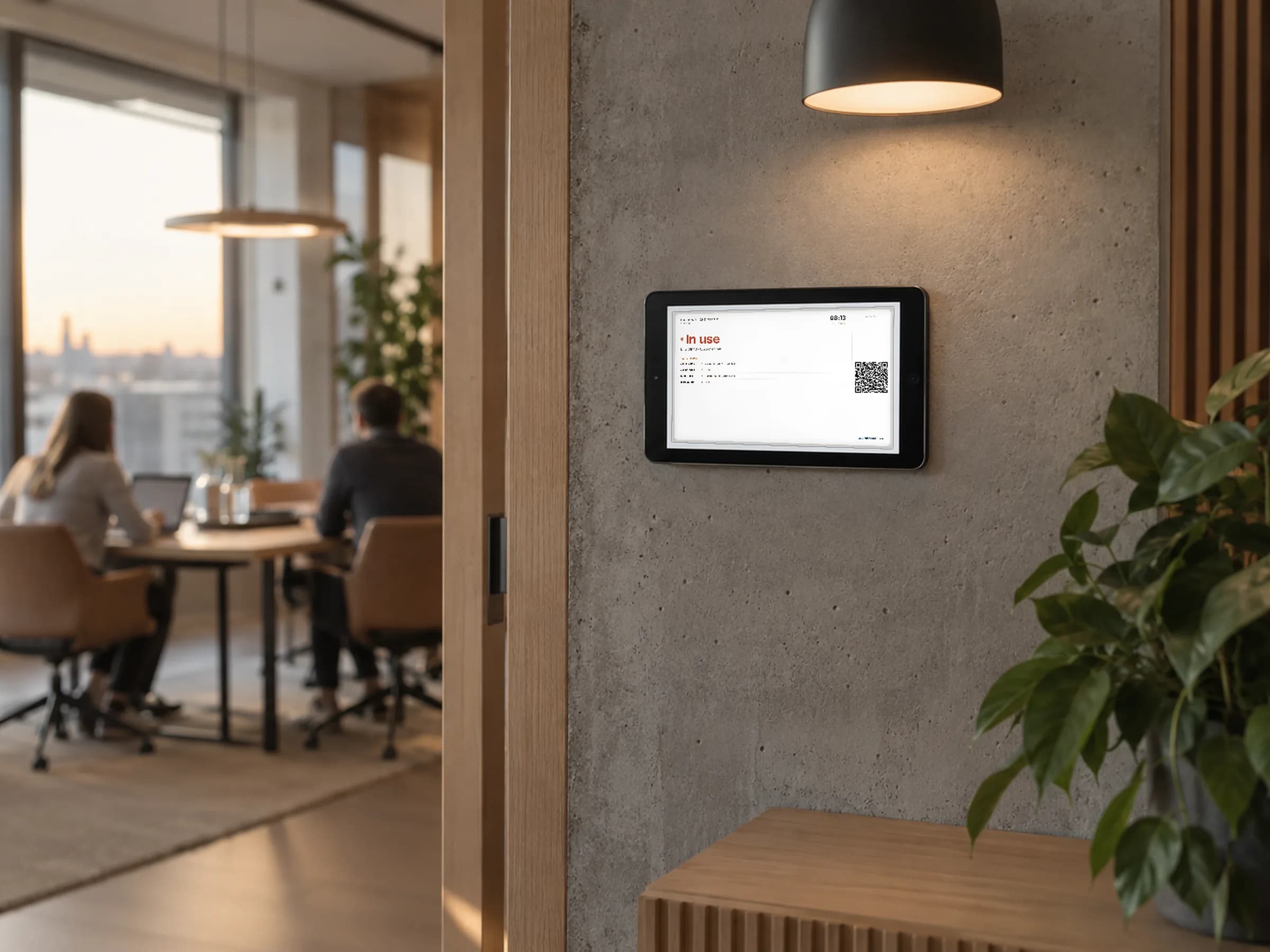
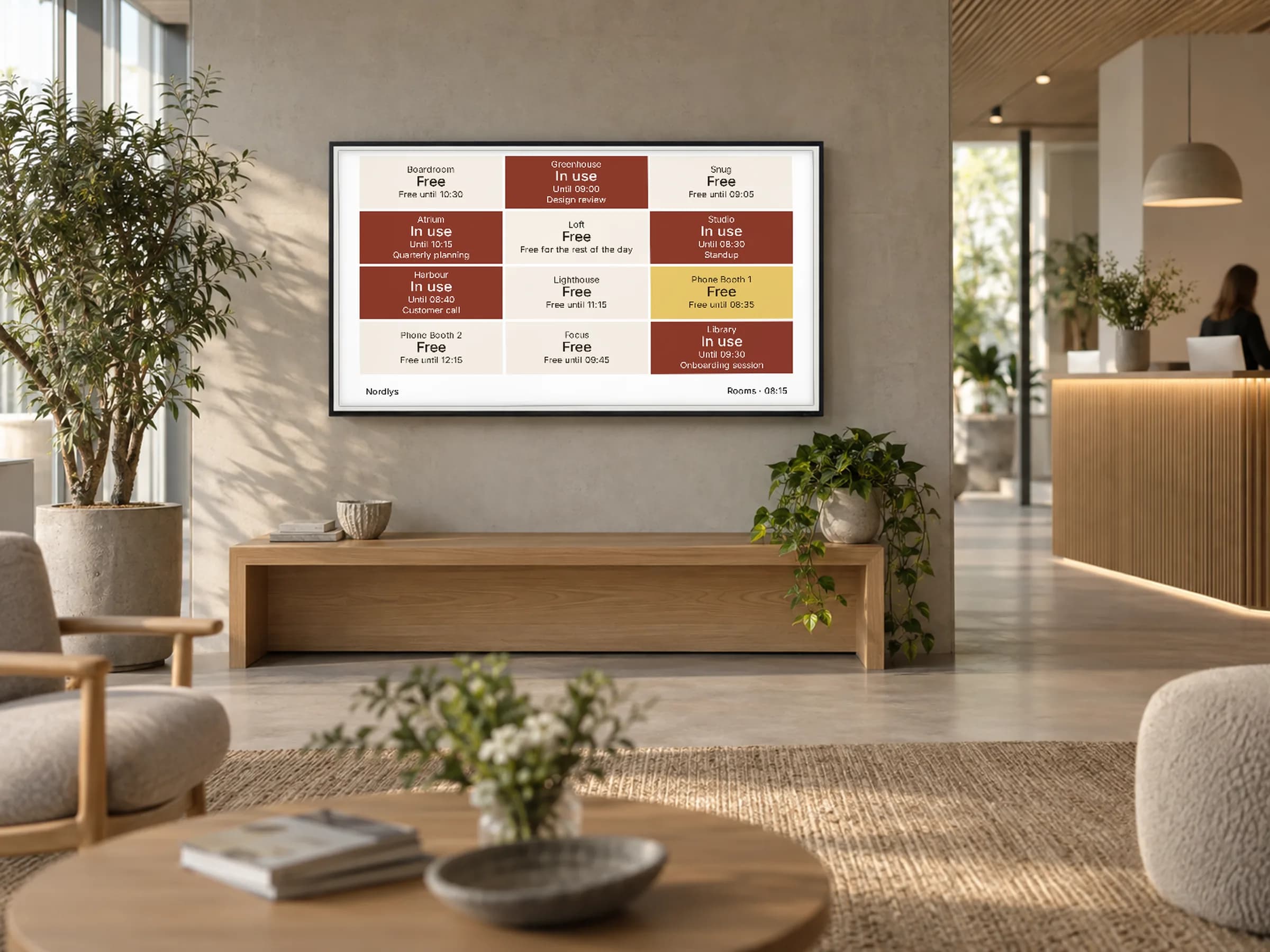
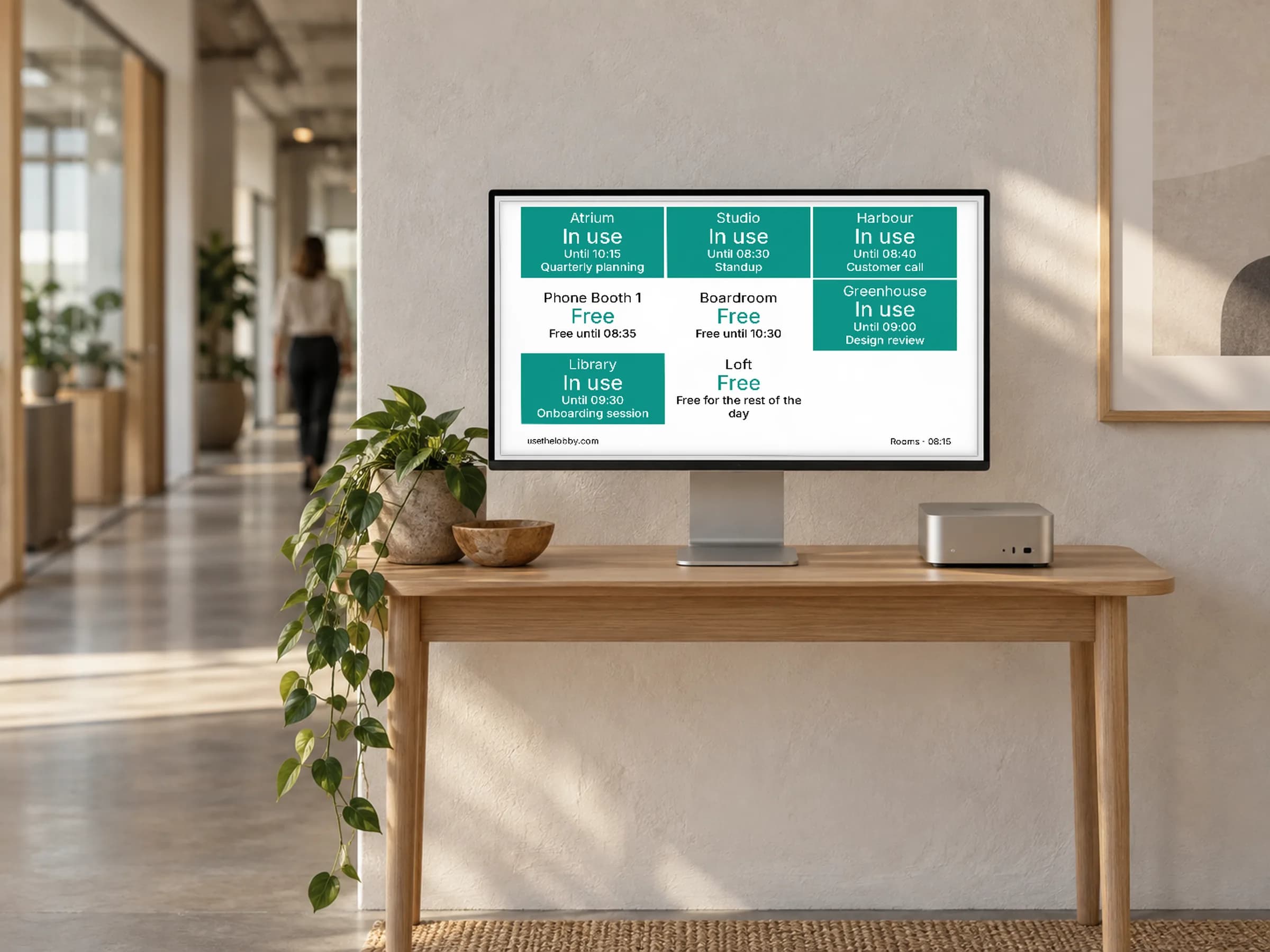
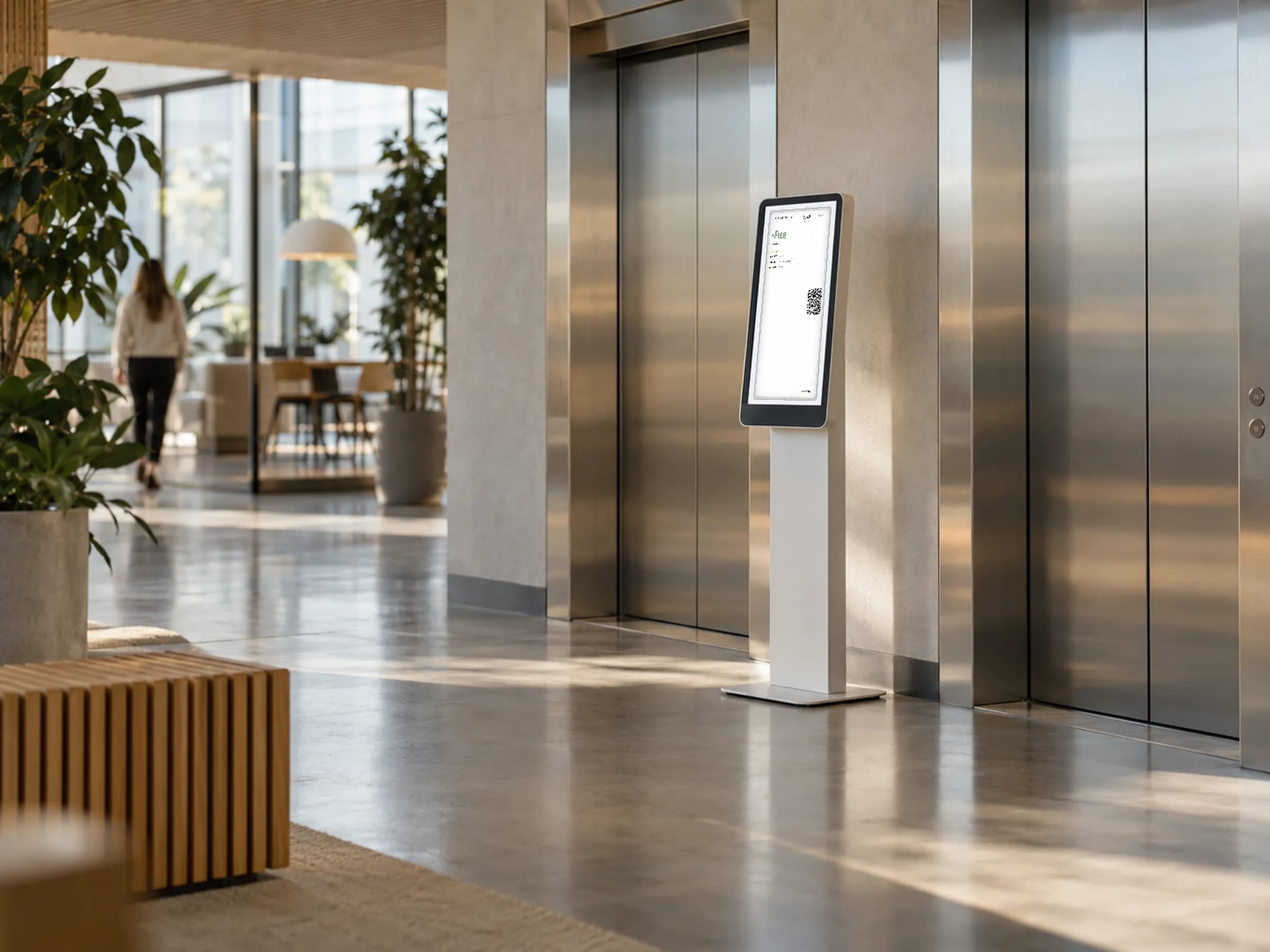
A screen link that only works on the screens you put up.
A room screen shows who is meeting, when and about what. If its link gets forwarded, that’s a small leak. The viewer allowlist fixes it: add the screens you put up, switch on Enforced, and anyone else who opens the link is turned away. It matches on your office’s public IP address, so a browser or operating-system update never locks out your own tablet.
- ✓ Name each allowed viewer, for example "Studio iPad", and remove one when a tablet is retired
- ✓ Enforce with one switch
- ✓ Links use 256-bit random tokens, so they can't be guessed
- ✓ Included on every plan
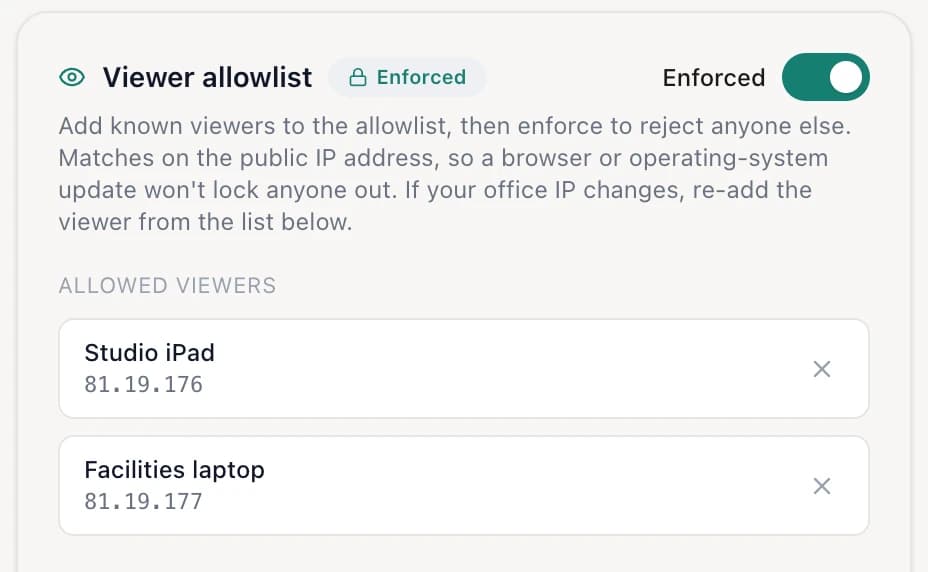
- 1Reject anyone not on the list
- 2Name each screen you allow
Trial it this week. Buy hardware next quarter, or never.
Most room display vendors start with a hardware quote. Lobby starts with a link. Put a virtual display on the room people argue about most, see if the arguments stop, then decide. When you’re ready for battery e-ink by the door, it shows the same view from the same dashboard at the same price.
Questions about virtual displays
Your spare tablet is a room display in two minutes.
Free forever for up to 3 displays. No hardware, no credit card.
Free forever up to 3 displays · No credit card · Cancel anytime
10 minutes from now, your team will know which room is free.
Connect Google Workspace or Microsoft 365 and go live on a screen you already own — or add an e-ink display.
Get started free →Free forever up to 3 displays · No credit card · Cancel anytime