
Nobody should have to charge fifty door signs.
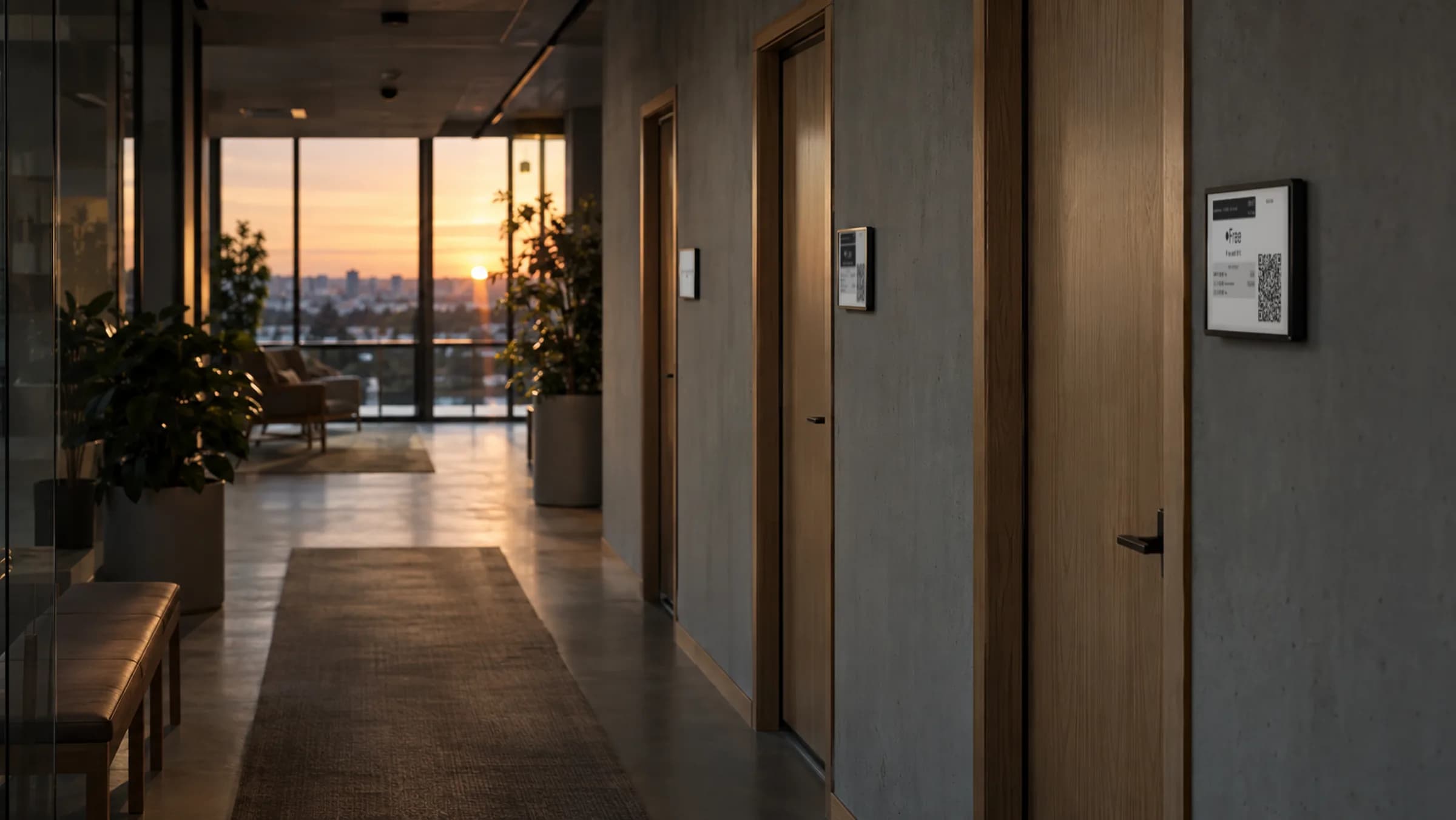
Lobby's e-ink displays already sip power. Pro Unlimited makes them smarter about it: they sleep when the office is empty, update the moment a room changes, and tell you before a battery runs low. One charge lasts months, and the first you hear about it is an email, not a blank screen.
Included with Pro Unlimited · 3–6 months per charge · No cabling to the door
Per charge
3–6 months
Cabling to the door
None
Updates when
The room changes
Warns you at
The battery level you choose
Screens that sleep when the office does.
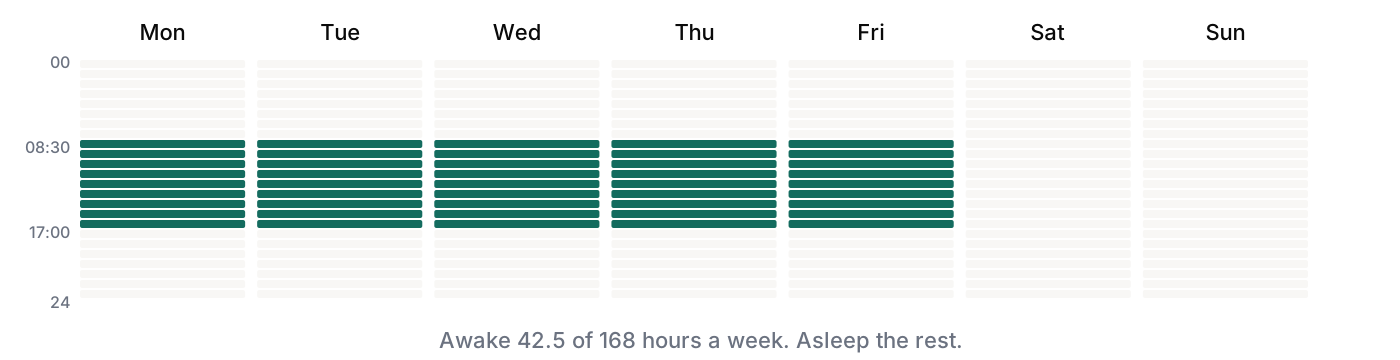
Give each screen working hours, for example Monday to Friday, 08:30 to 17:00. Outside them the panel stops checking in and sleeps, showing either its last state or an off-hours message you write, such as “Please remove before cleaning”. E-ink keeps the last picture with no power at all, so the door still reads sensibly at 7am. Nights and weekends are most of the week, which is why this is the single biggest battery saving.
- ✓ Set hours per screen, so the 24/7 lab and the 9-to-5 boardroom can differ
- ✓ Panels wake on their own at the start of the day
- ✓ Available on Lobby-hosted screens
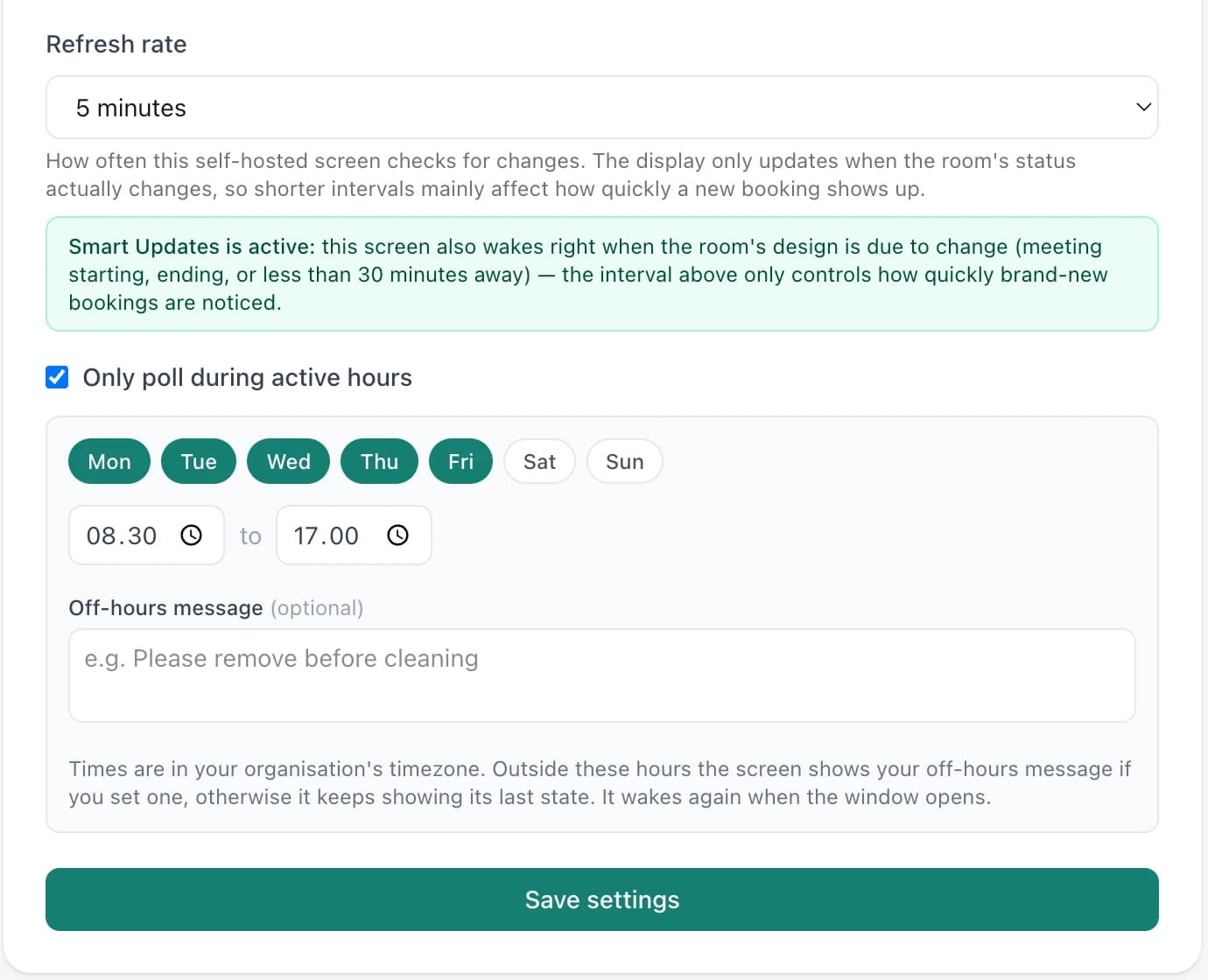
- 1Pick the days
- 2Pick the hours
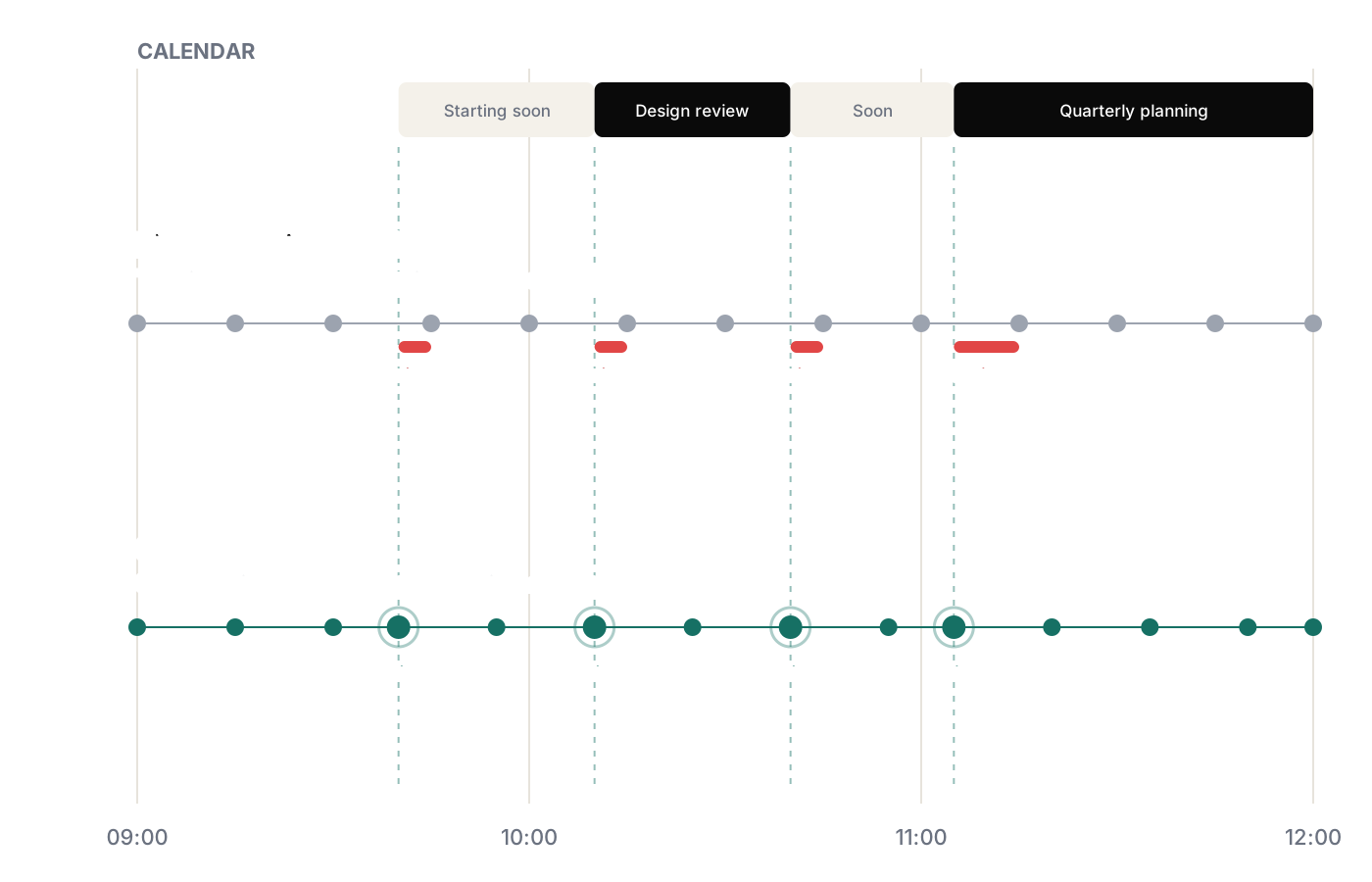
The sign flips when the meeting starts. Not five minutes later.
A screen on a fixed timer checks in every few minutes, so the sign changes whenever the next check-in happens to fall, often several minutes after a meeting has started. Smart Updates keeps your refresh rhythm but moves each check-in so it lands exactly when a room’s status is due to change. Same battery budget, no lag.
- ✓ Status changes on the minute a booking starts or ends
- ✓ Keeps your refresh interval, so battery use doesn't go up
- ✓ Shows Starting soon before a meeting, so nobody settles into a room that's about to be taken
- ✓ Nothing to configure: it runs on every Lobby-hosted screen on Pro Unlimited
Find out from your inbox, not from a colleague.
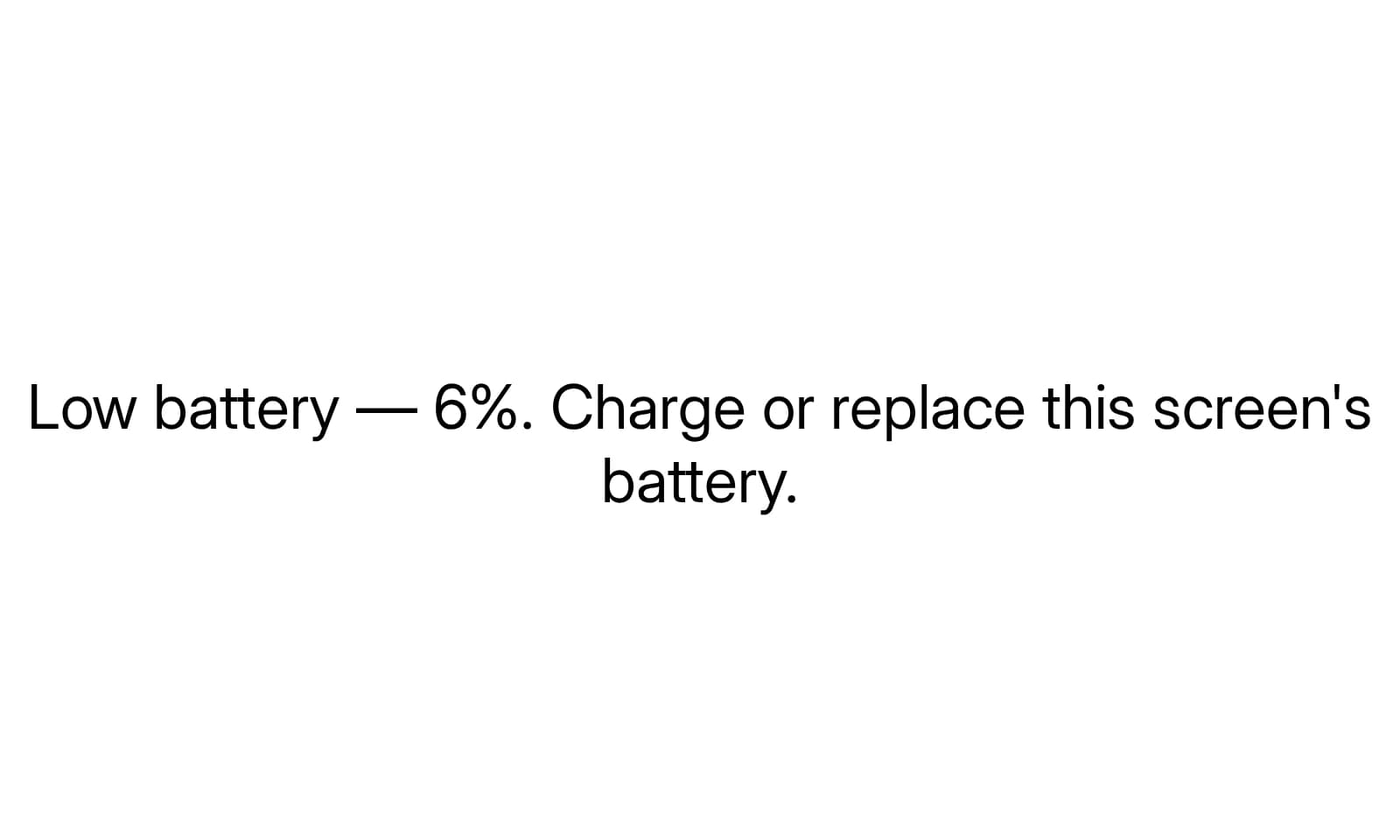
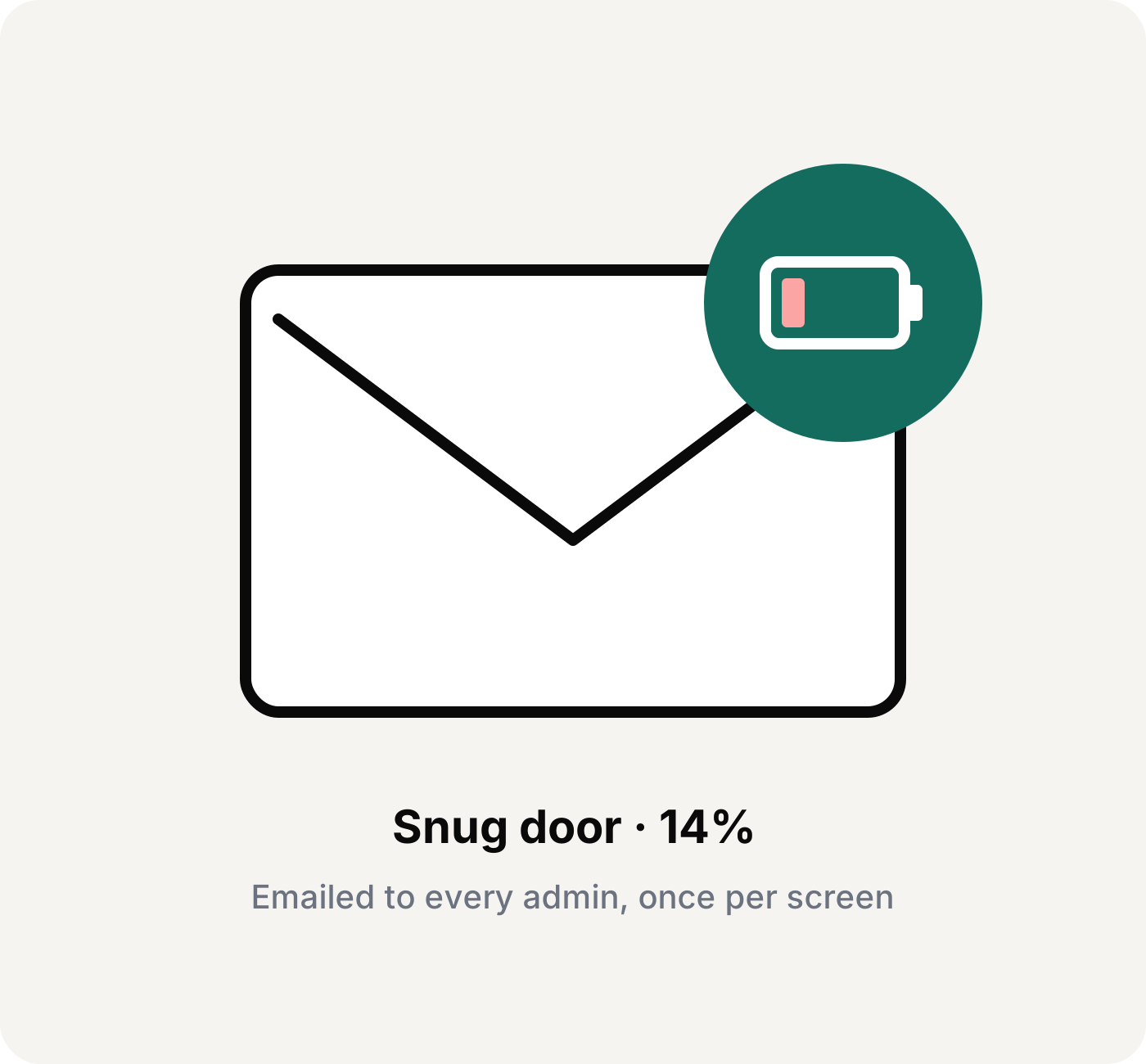
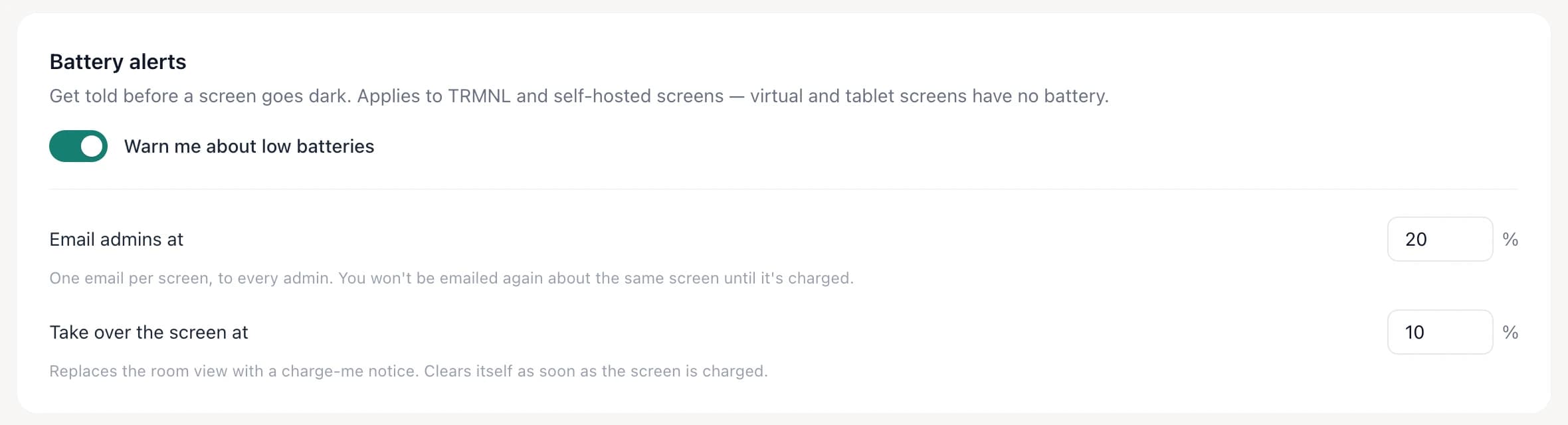
Choose a battery level, and Lobby emails every admin when any screen drops below it, once per screen, not every hour. Set a lower level and the screen itself shows a polite “charge me” notice, so whoever walks past can tell facilities. You’ll hear about it a week early instead of a week late.
- ✓ Email alert at a level you choose
- ✓ Optional on-screen notice at a second, lower level
- ✓ Battery level and last check-in for every screen in the dashboard
- ✓ Works for TRMNL and Lobby-hosted screens
Set it once for every screen in the building.
Battery alerts live in Room settings, next to the screen wording.
Questions about battery life
Mount it, then forget it's there.
Pro Unlimited: unlimited rooms and screens, Active hours, Smart Updates and battery alerts. $60/month billed yearly.
Free forever up to 3 displays · No credit card · Cancel anytime
10 minutes from now, your team will know which room is free.
Connect Google Workspace or Microsoft 365 and go live on a screen you already own — or add an e-ink display.
Get started free →Free forever up to 3 displays · No credit card · Cancel anytime