
The free room in front of you, booked in two taps.
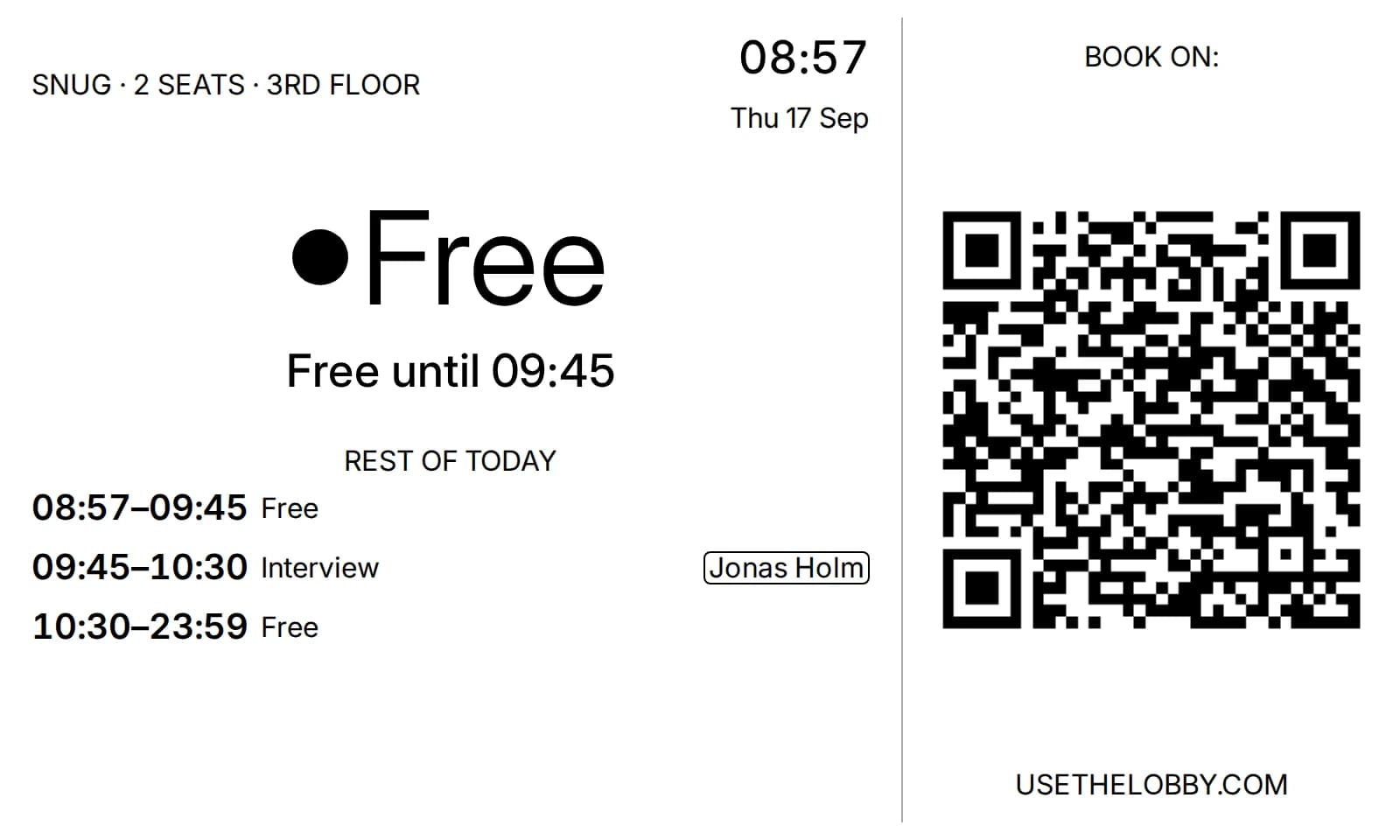
Every Lobby display carries a QR code. Point your phone at it and your own calendar opens with the room and the time already filled in. No laptop, no app, no second booking system.
No credit card · 3 displays free forever · 10-min setup
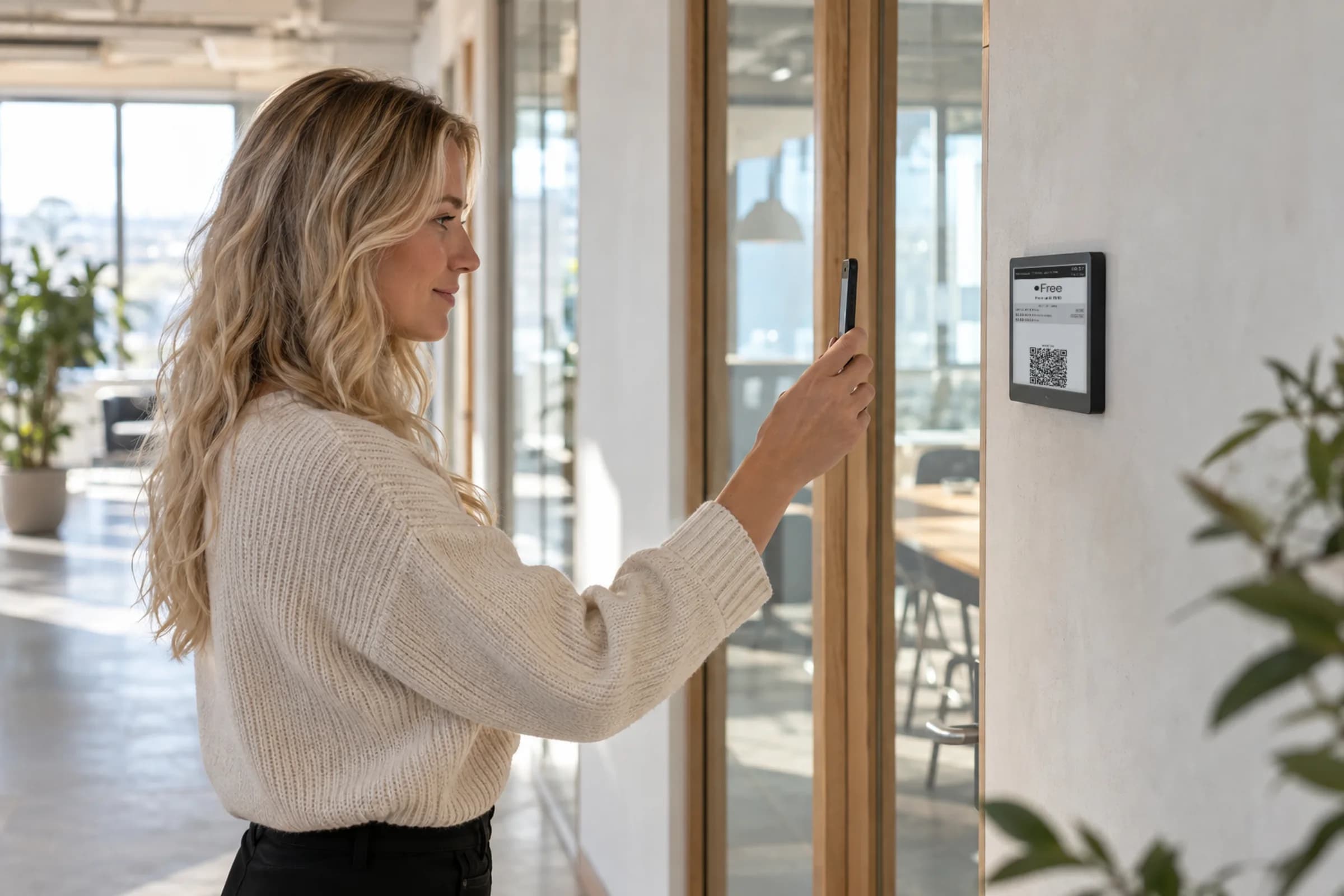
From “is this free?” to it’s yours before the door closes.
01
See it's free
The display says Available and for how long.
02
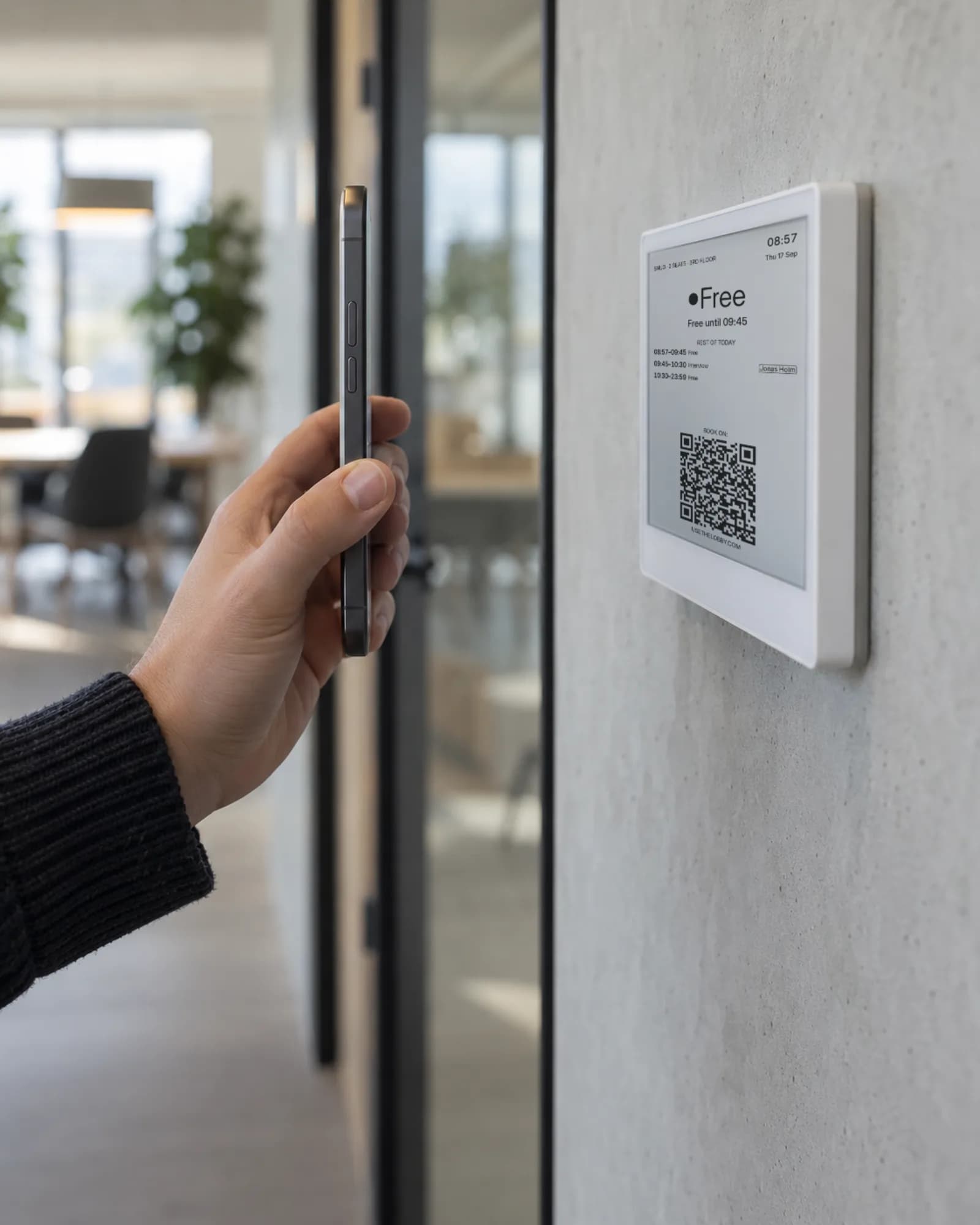
Scan the code
Your phone's camera is enough. No app to install.
03
Save the meeting
Google Calendar or Outlook opens with the room and time filled in. Hit save.
Most rooms get booked from a laptop. Most free rooms get found on foot.
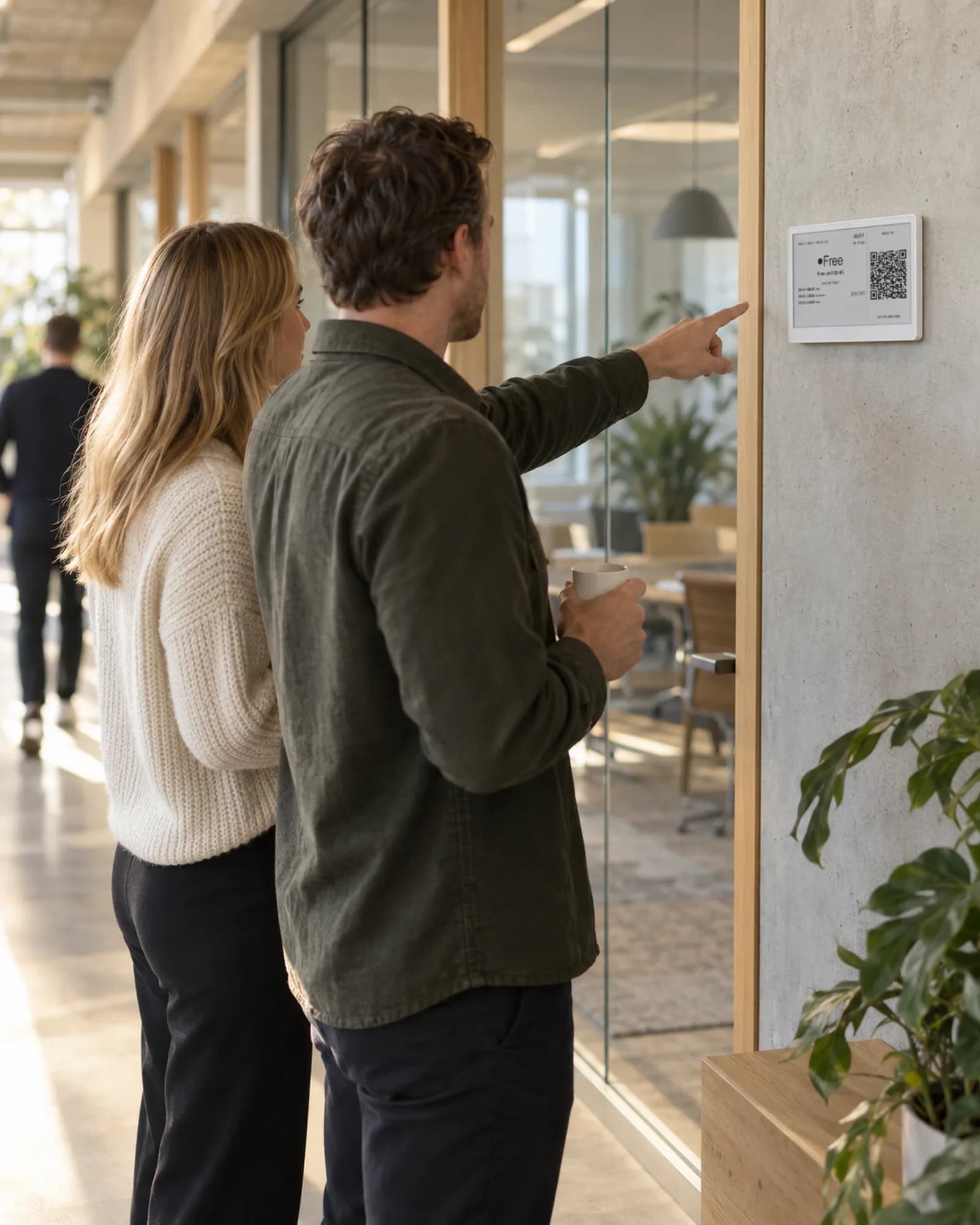
You’re in the corridor with a colleague and a question that needs ten minutes. The room next to you is empty. Without a QR code, the next step is finding a laptop, opening the calendar and hunting for the room by name. With one, the room is yours before the conversation has moved on.
- ✓ Nothing new to learn: it's your normal calendar booking screen
- ✓ The booking is a real calendar event, so the display flips to In use within about 30 seconds
- ✓ Works on every display type: e-ink by the door, a tablet, or the board on the lobby TV
- ✓ Turn the QR code on or off per room
What the QR code does. And what it doesn’t.
What it does
- ✓ Opens Google Calendar or Outlook on the phone of whoever scans it
- ✓ Pre-fills the room as the resource, and the time
- ✓ Respects the room permissions you already have in Google Workspace or Microsoft 365
- ✓ Shows up on the display the moment the event is saved
What it skips
- ✗ No Lobby app, no Lobby login for employees
- ✗ No kiosk booking flow on the display itself
- ✗ No second calendar to keep in sync
- ✗ No booking on behalf of people who can't book the room in their calendar today
Questions about booking from the screen
Put a QR code on every door this afternoon.
Free forever for up to 3 displays. Works with the Google Workspace or Microsoft 365 calendar you already have.
Free forever up to 3 displays · No credit card · Cancel anytime
10 minutes from now, your team will know which room is free.
Connect Google Workspace or Microsoft 365 and go live on a screen you already own — or add an e-ink display.
Get started free →Free forever up to 3 displays · No credit card · Cancel anytime