
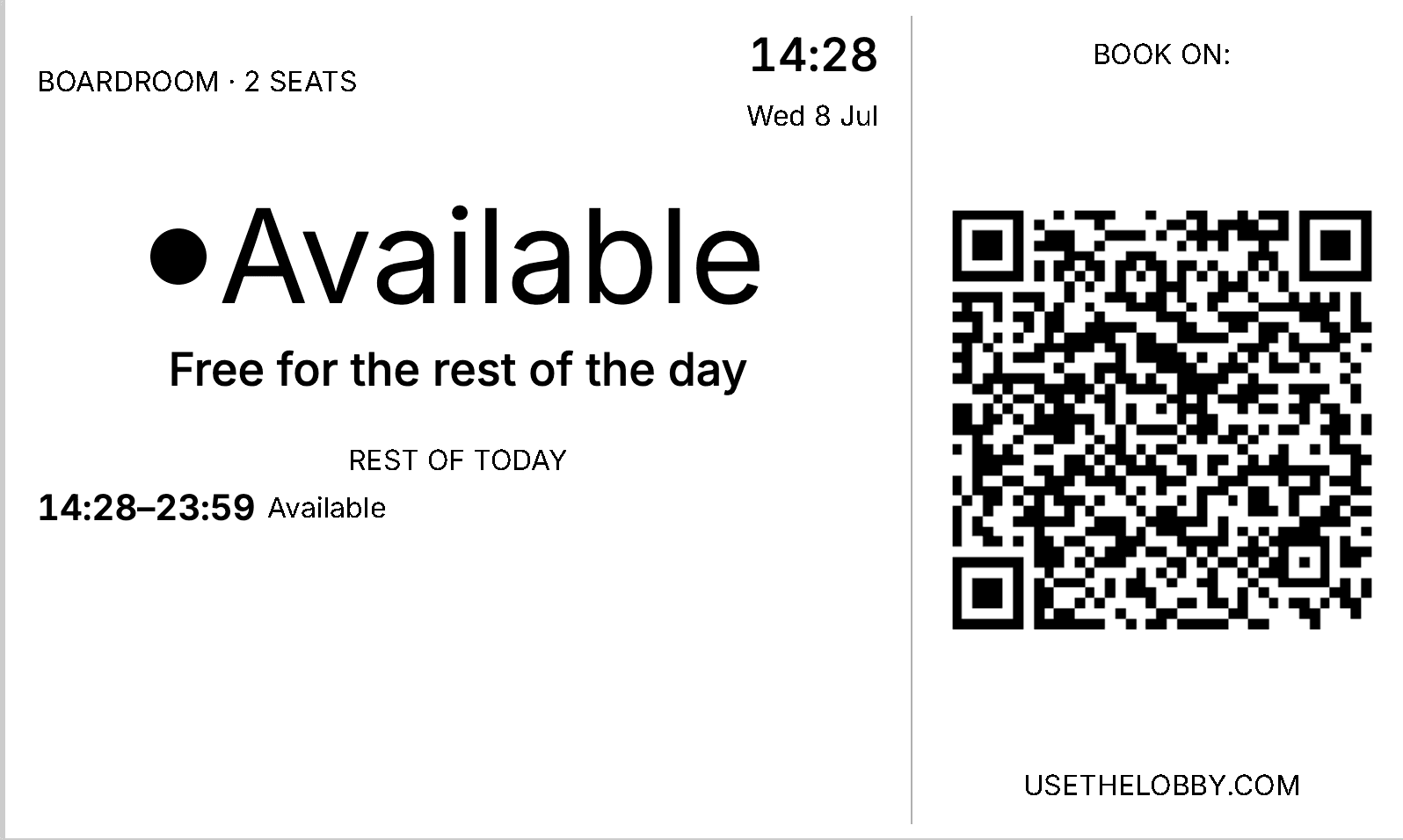
Connects to the calendar you already run.
Google Workspace and Microsoft 365 are both native. Sign in with the one you use, pick your rooms, and bookings sync in seconds to your meeting room displays. No duplicate system to keep up to date.
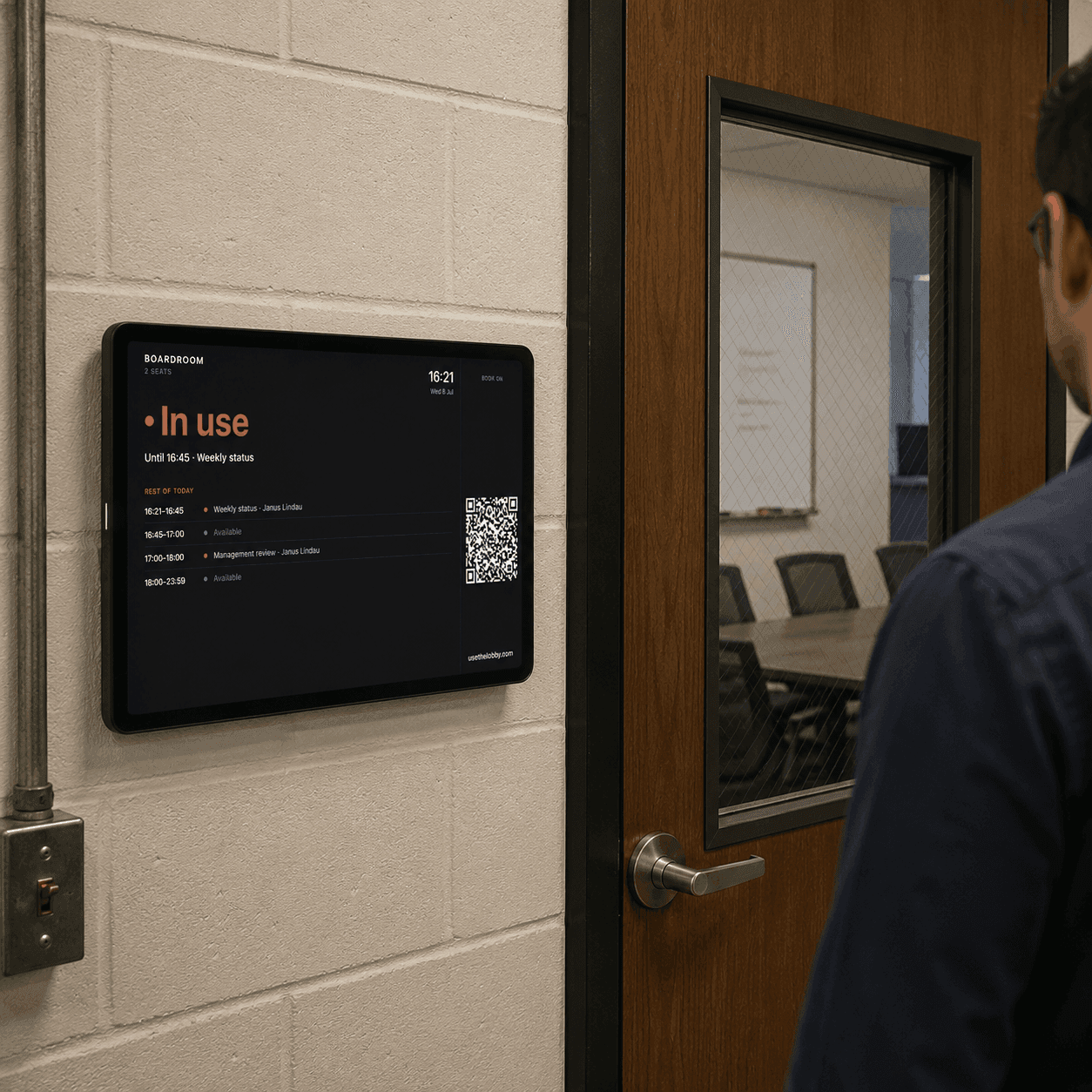
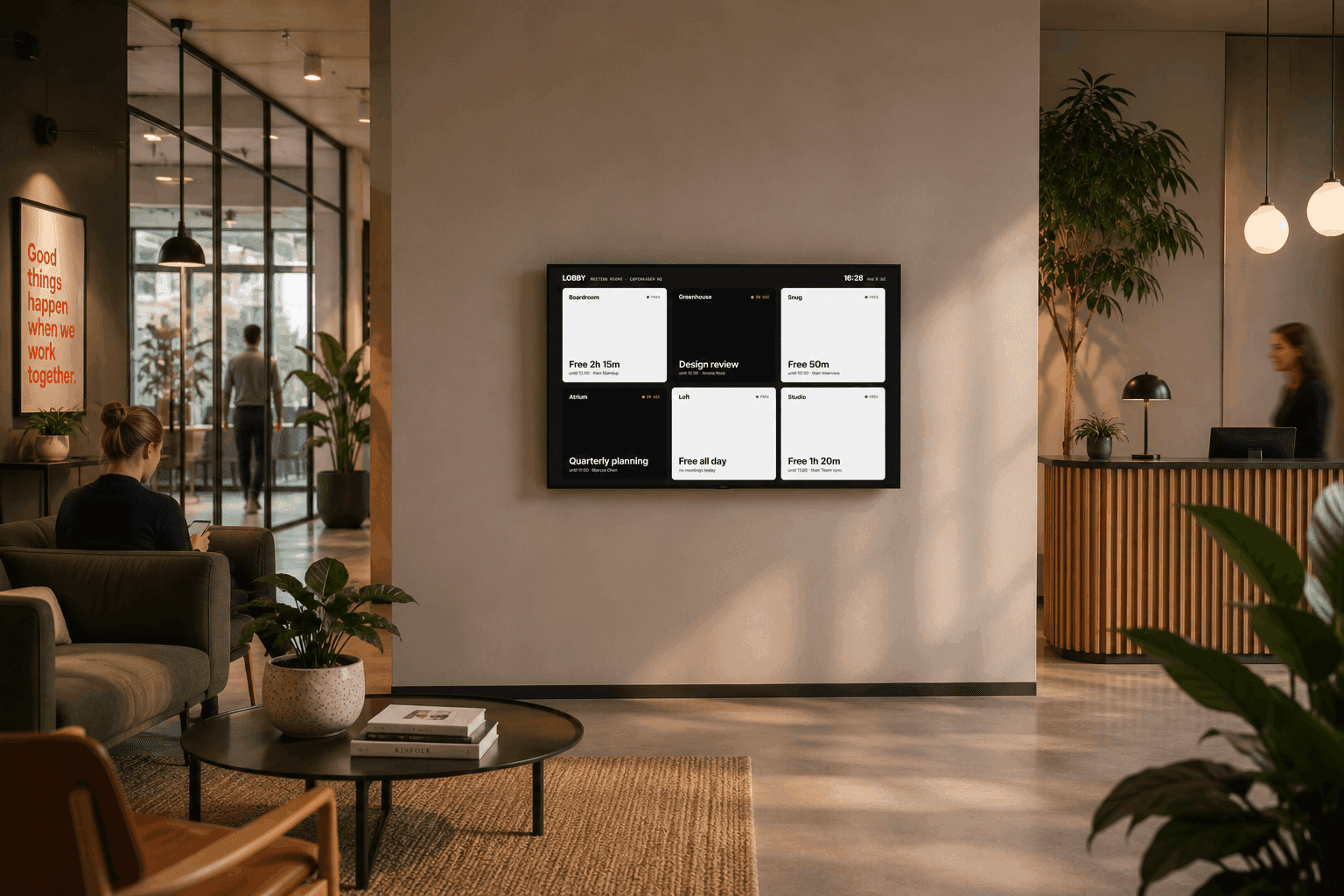
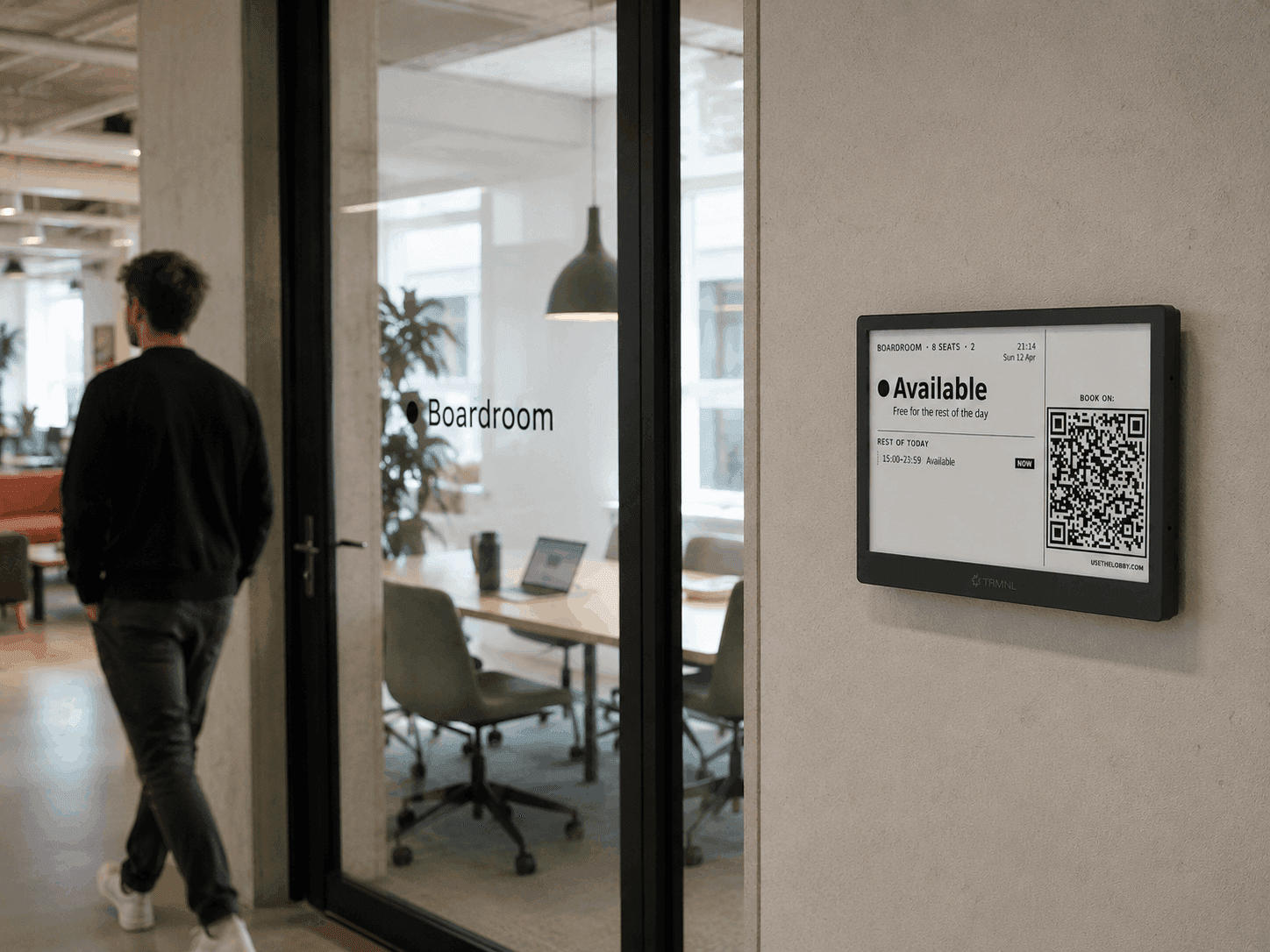
One platform. Every screen in the building.
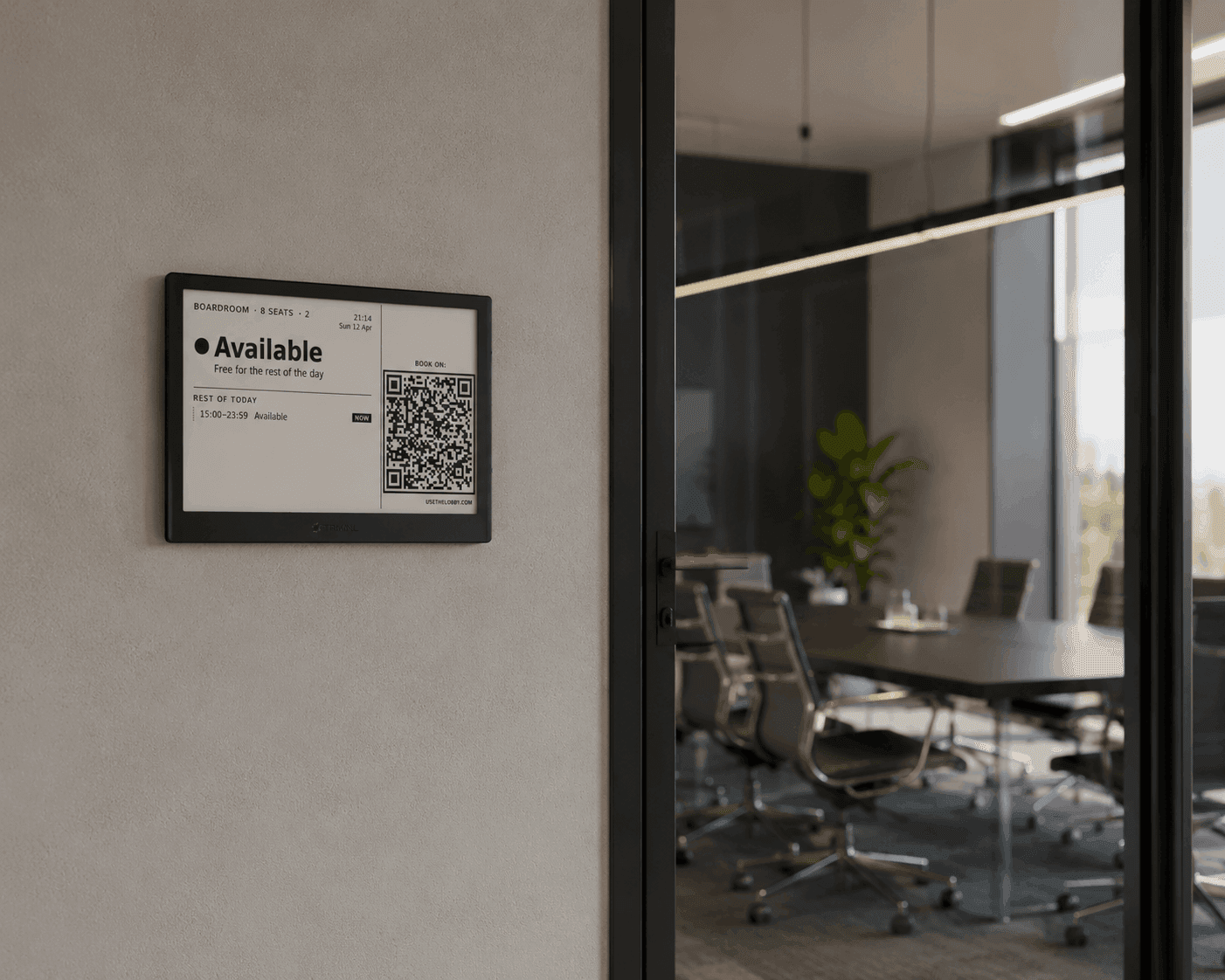
E-ink by the door, a tablet on the wall, a TV in the lobby. The same live view everywhere. Mix and match per room, and bring screens you already own. Same sync, same dashboard, same price.
Live in ten minutes. No IT project.

I spent thousands on meeting-room displays.
Before building Lobby, I ran a mid-sized company. We were losing hours of work every week to meeting-room mix-ups. Double-bookings, standoffs in the hallway, meetings that couldn’t find a room.
So we bought a system. Thousands of dollars in hardware, then hundreds every month in subscriptions, just for a handful of meeting rooms.
It worked. But the pricing never made sense to me. The cost is almost the same for running 1 display or 100, so why should we pay so much more just for growing?
So I built Lobby. Use the screens you want. Connect the calendar you already have. Add as many displays as you need. One simple fee. Never per display or user.
Start free. Scale when you’re ready.
No credit card required. No hidden fees.
Same dashboard, same displays, same pricing on Google Workspace or Microsoft 365. Pick whichever your team uses.
Free
€0 / month
Free forever
- Platform fee
- €0 / mo
- Per display fee
- €0 / mo
- Total
- €0 / mo
Up to 3 active displays
- Google + Microsoft 365 sync
- Lobby dashboard
- Overview screens
- Real-time updates on virtual displays
- QR booking from every display
- Viewer locking for virtual displays
- Email support
- E-ink displays
- E-ink displays update every 15 min
- Context-aware e-ink design (1 room)
Unlimited
€50€30 / month
Billed yearly at €360/year · save €240/year
- Platform fee
- €30 / mo
- Per display fee
- €0 / mo
- Total
- €30 / mo
One flat rate — unlimited rooms & displays.
- Everything in Free
- Unlimited rooms / displays
- Real-time updates on virtual displays
- QR booking from every display
- Viewer locking for virtual displays
- E-ink displays
- E-ink displays update every 15 min
- Context-aware e-ink design (1 room)
Pro Unlimited
Most popular€100€60 / month
Billed yearly at €720/year · save €480/year
- Platform fee
- €60 / mo
- Per display fee
- €0 / mo
- Total
- €60 / mo
One flat rate — unlimited rooms & displays.
- Everything in Unlimited
- Unlimited Rooms / Displays
- QR booking from every display
- Viewer locking for virtual displays
- Custom screen templates
- Remove Lobby branding
- Add own Logo
- Room feedback
- Free QR stickers for Room feedback
- Slack /book command
- Priority support
- E-ink displays
- 5-minute e-ink display updates
- Smart Updates
- Context-aware e-ink design (all rooms)
- Lobby-hosted e-ink screens
- Active hours (screens sleep outside working hours)
- Low-battery email alerts
We’ll never raise your price just to make more.
Fair, predictable pricing. Read the pledge for how we handle any changes.
Be like Libby. Room-booking nirvana in ten minutes.
Libby hasn't fielded an “is this room free?” in months. No double-bookings, no hallway standoffs, no budget meeting to approve a door sign. Just calm, a cup of tea, and every room humming along on its own.
Connect your calendar, hang a display, breathe out. You'll reach her level of office enlightenment before the kettle boils.